
Product information · EnglishRobotic LIMS-to-Vial Labeler: Product brochure
Open PDF →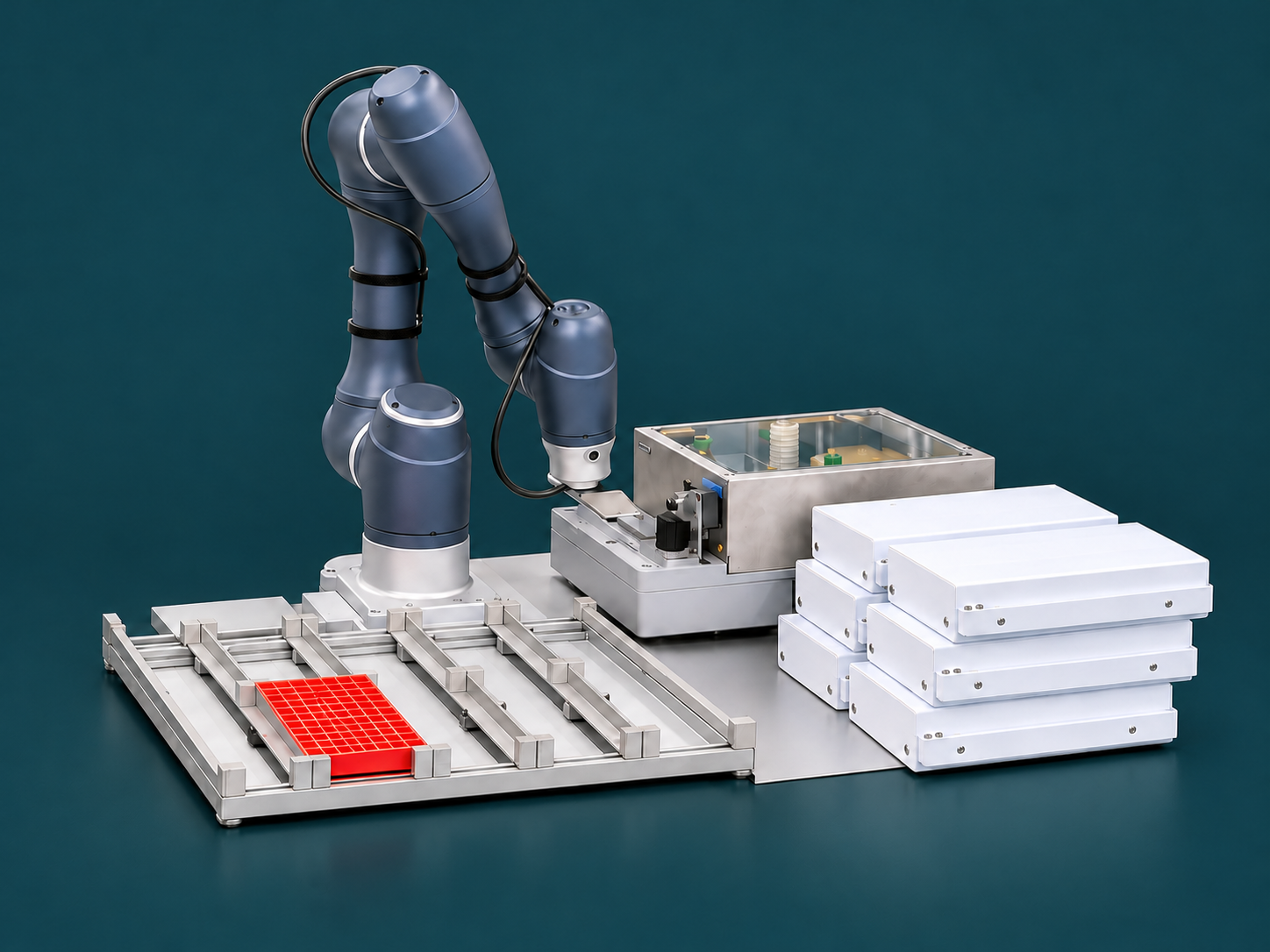
Laboratory automation
Robotic LIMS-to-Vial Labeler
Chromtech
The Chromtech Robotic LIMS-to-Vial Labeler automatically labels sample vials with QR codes and plain text from LIMS worklists. A robot picks up vials from the source tray, transfers them to the labeling system and places them in the output tray.
- Manufacturer
- Chromtech
- Product category
- Laboratory automation
- Advice
- Directly from Chromtech
Automated sample identification
From the worklist to the labeled vial.
The Robotic LIMS-to-Vial Labeler connects digital sample information with automated labeling. The laboratory information management system (LIMS) provides a worklist; Chromtech CT-Core reads the data and coordinates the robot, labeling system and tray positions.
- QR codes and plain text from LIMS worklists in CSV or Excel format
- Automated pickup, labeling and placement of sample vials
- Grippers and sample trays adapted to the vials
- Code verification at the labeling system and processing status tracking
The workflow
Transfer sample information to the right vial.
- CT-Core reads the worklist and retrieves the specified information for the QR code and plain text.
- The robot picks up the assigned unlabeled vial from the source tray and places it in the labeling system.
- The label is printed and applied; the code checker verifies the printed code.
- The robot places the vial in the output tray. CT-Core records the processing status and continues with the next entry.
Equipment and integration
Trays, vials and data matched to your laboratory.
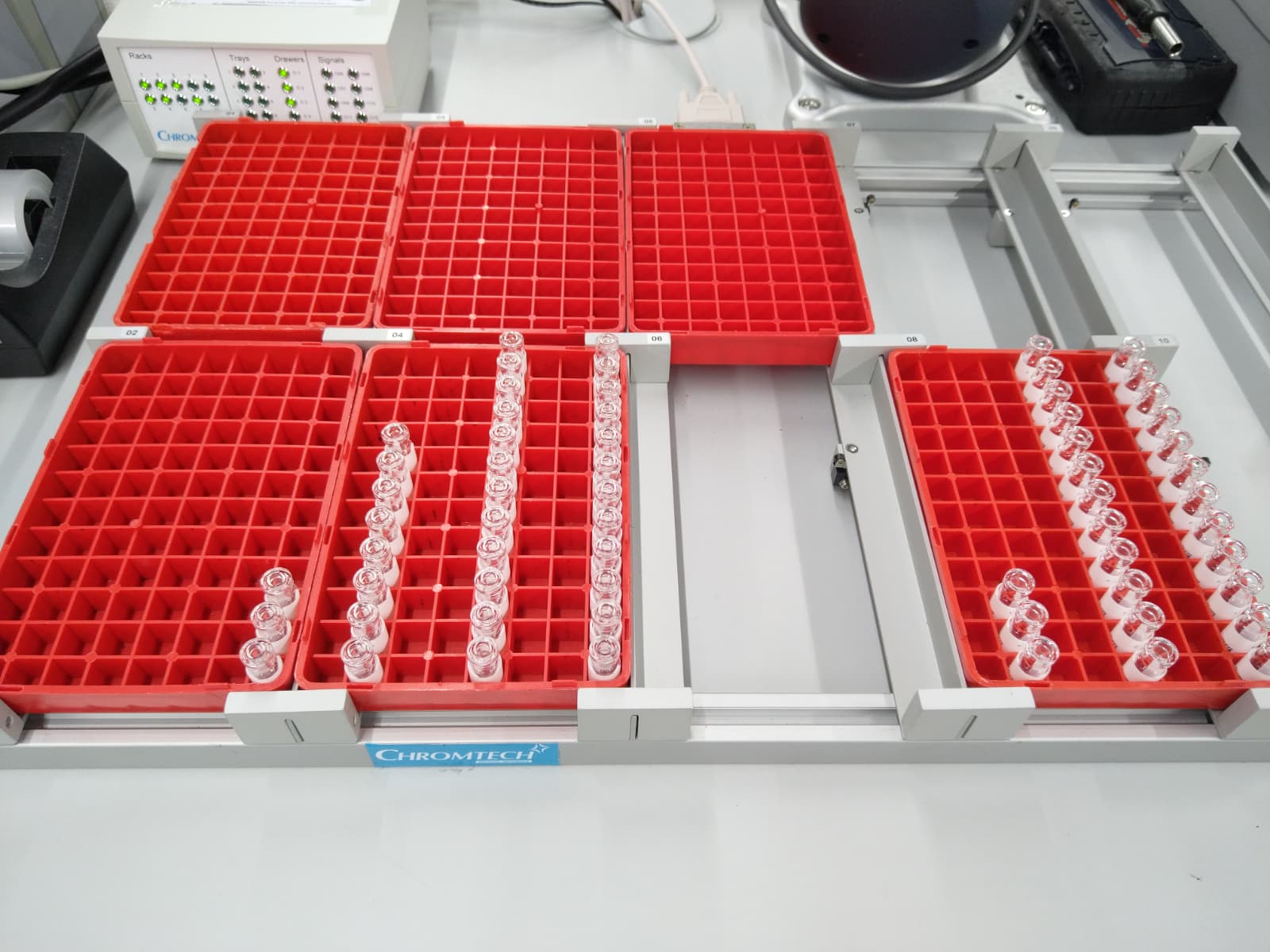
An example configuration processes 1.5 ml vials in Chromtech trays with 54 positions each. A drawer module holds six trays: two per drawer in three drawers. Tray presence is detected; indicator lights show the status of the tray positions.
- Data transfer
- LIMS worklists as CSV or Excel files
- Labeling
- QR code and plain text
- System control
- Chromtech CT-Core; device communication via OPC UA
- Vial handling
- Robot with an adapted gripper; vial formats and tray assignment depend on the configuration
We adapt worklists, label layouts, vial types and the arrangement of source and output trays to your workflow.
LIMS stands for laboratory information management system. OPC UA is a standardized interface for exchanging data between devices and software. Vials are small sample containers.
In practice
In routine use at Labor Friedle.
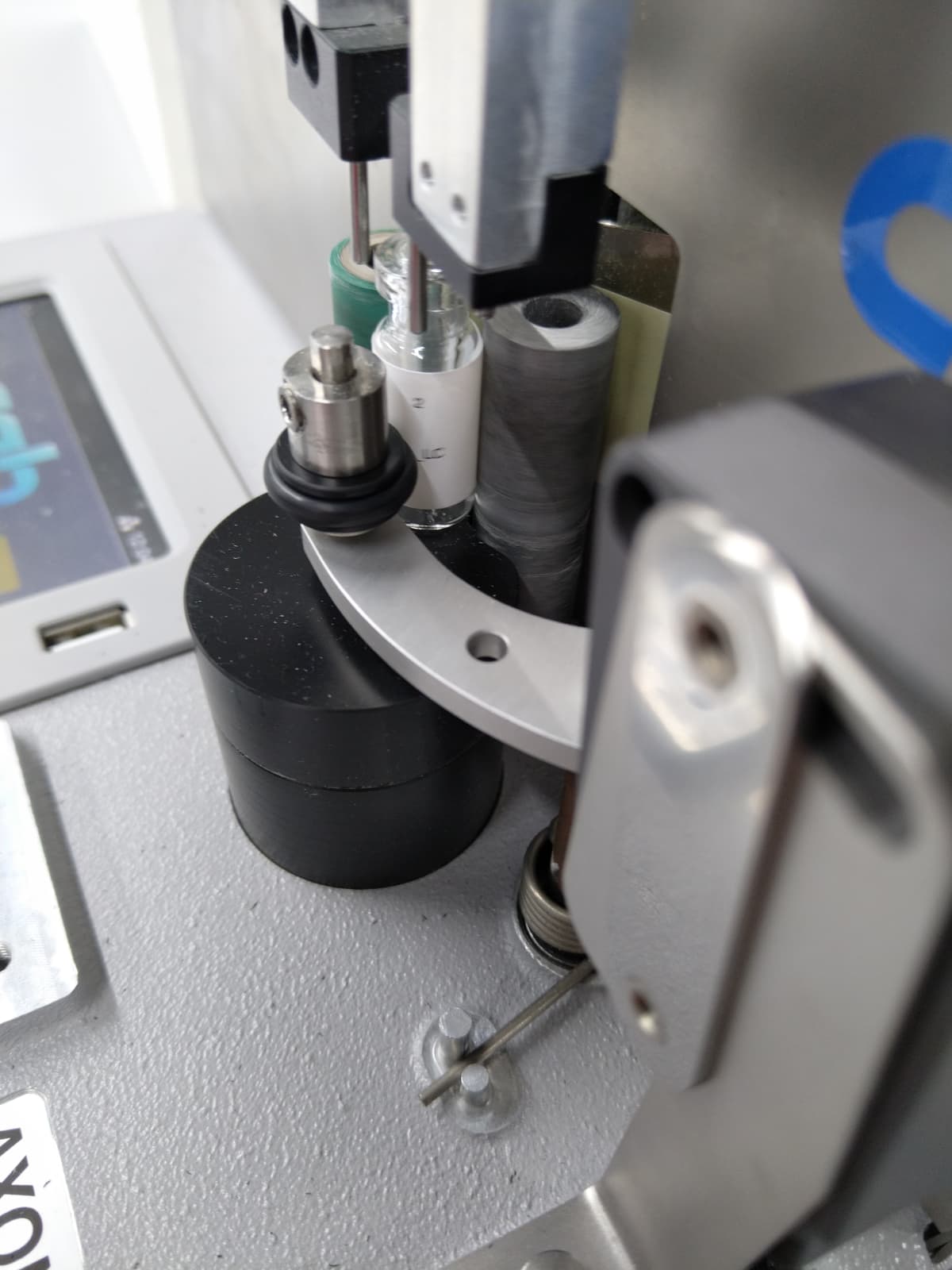
Working with Labor Friedle, a Normec Group company, the partners developed a solution that automatically labels and sorts sample vials according to the laboratory’s requirements. This project combines Chromtech CT-Core, a Doosan collaborative robot and a CAB Axon labeling system.
Yassin Hardi reports that the system is successfully used in day-to-day laboratory work – from the LIMS worklist to the labeled vial placed in its assigned rack position.
Project report on LinkedIn →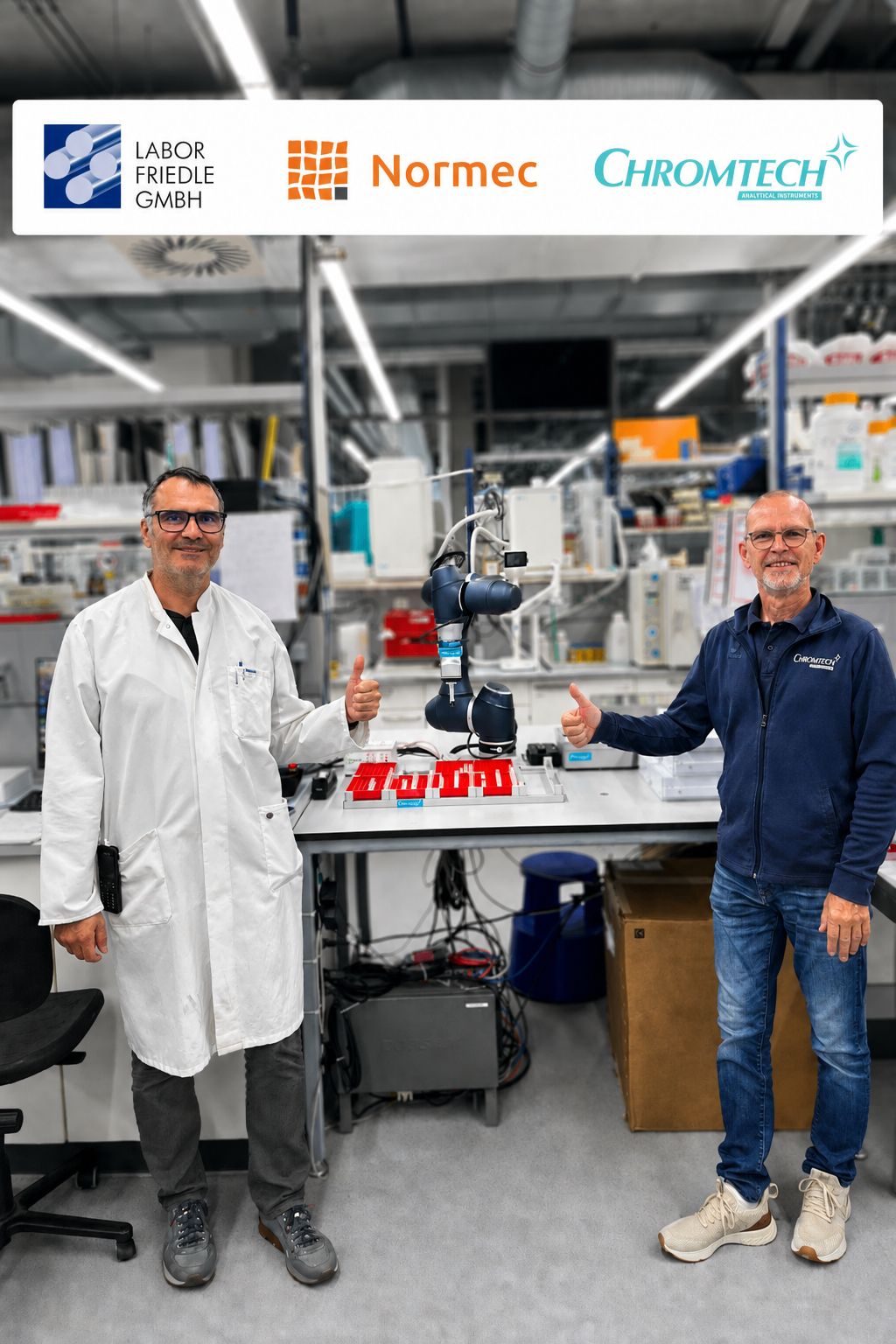
See the workflow
From LIMS data to the labeled vial.
Yassin Hardi’s video post demonstrates automated labeling of GC and HPLC sample vials. QR codes and plain text come from the laboratory information management system (LIMS); labels are printed and applied on demand.
A collaborative robot picks up vials from the adapted PAL stack, transfers them to the labeler and places them in the output tray according to the sample sequence. The described workflow is controlled through a shared user interface.
Video post on LinkedIn →Advice and integration
The right system configuration.
Whether this product fits your application depends on the sample, method and existing equipment. We clarify your requirements, agree on the configuration and support integration into your laboratory workflow.
Relevant applications
Documents